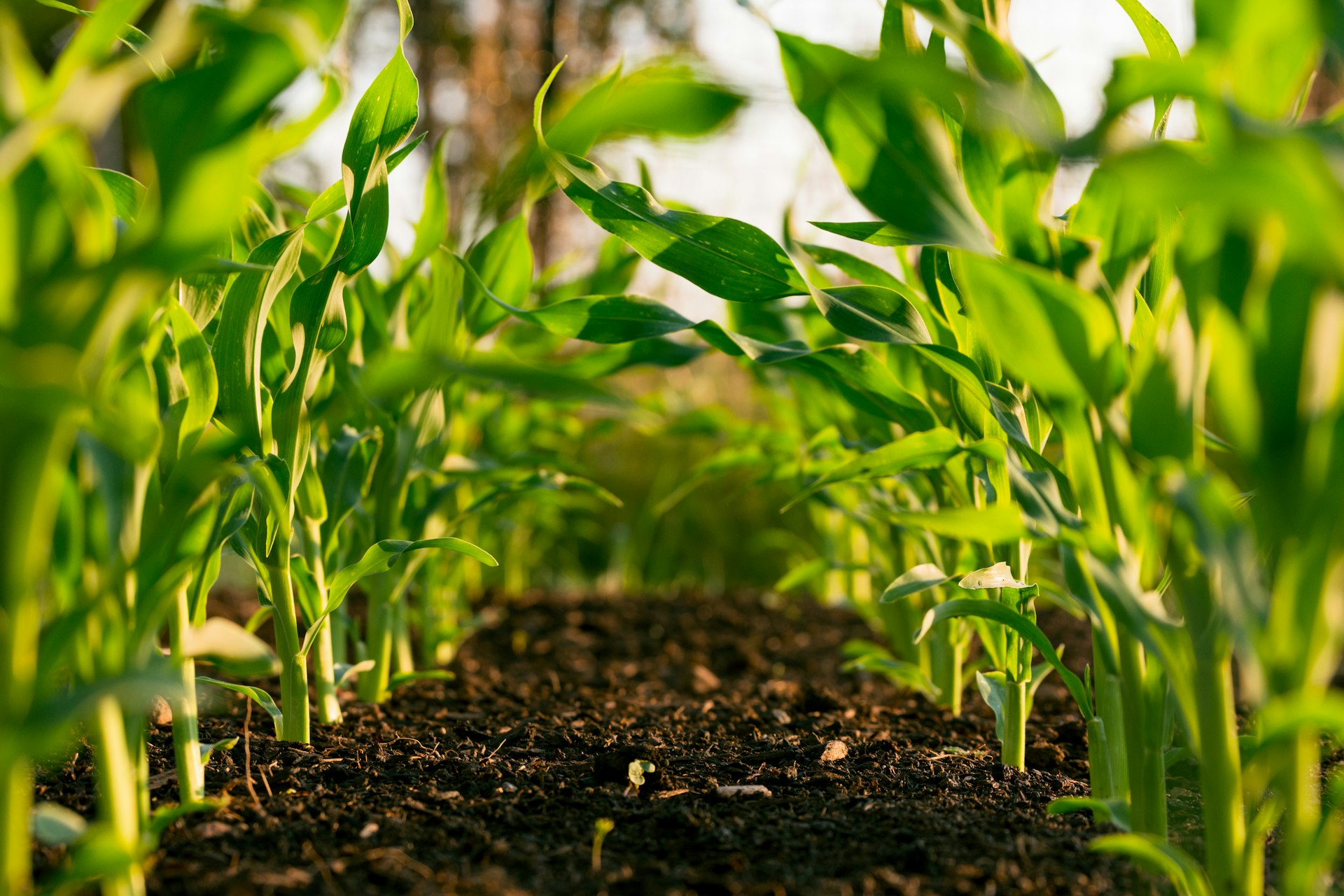
Field trials can involve hundreds or even thousands of individual plots. Finding the right plot, tracking which observations are done, and avoiding wasted walking quickly eats into a scouting day. FarmDataViewer's mobile plot navigation guides you through every plot in the field, keeps observations accurate, and makes the results available to your whole team the moment you have a signal. It works hand in hand with field trials and field observations across the platform.
Navigate every plot, on the most efficient route
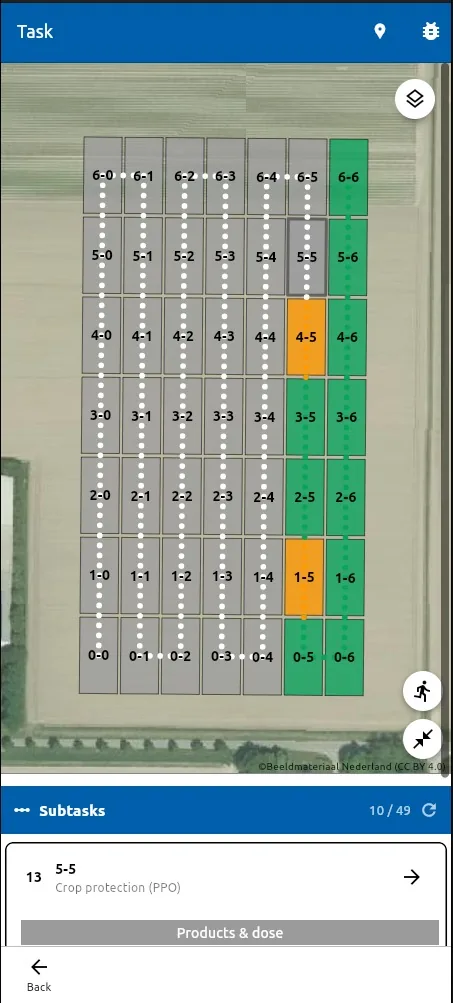
The FarmDataViewer app shows all plots in a field on one interactive map. Instead of hunting for plot numbers, you are guided straight to the next plot that needs attention, along an efficient route that moves you logically from plot to plot — whether the trial has 20 plots or 2,000. Your GPS position updates in real time, and every plot is colour-coded so its status is obvious: green means the observation is complete, orange means it still needs attention, and grey means none is assigned. When you have a connection, completed observations appear online immediately, so supervisors and colleagues can follow field progress in real time without calling whoever is out in the field.
- Interactive map with every individual plot and live GPS position
- Guided to the next plot on an efficient route — less walking, consistent order
- Green — observation completed
- Orange — observation still required
- Grey — no observation assigned
- Completed observations sync online for real-time team progress
One tap to the right observation
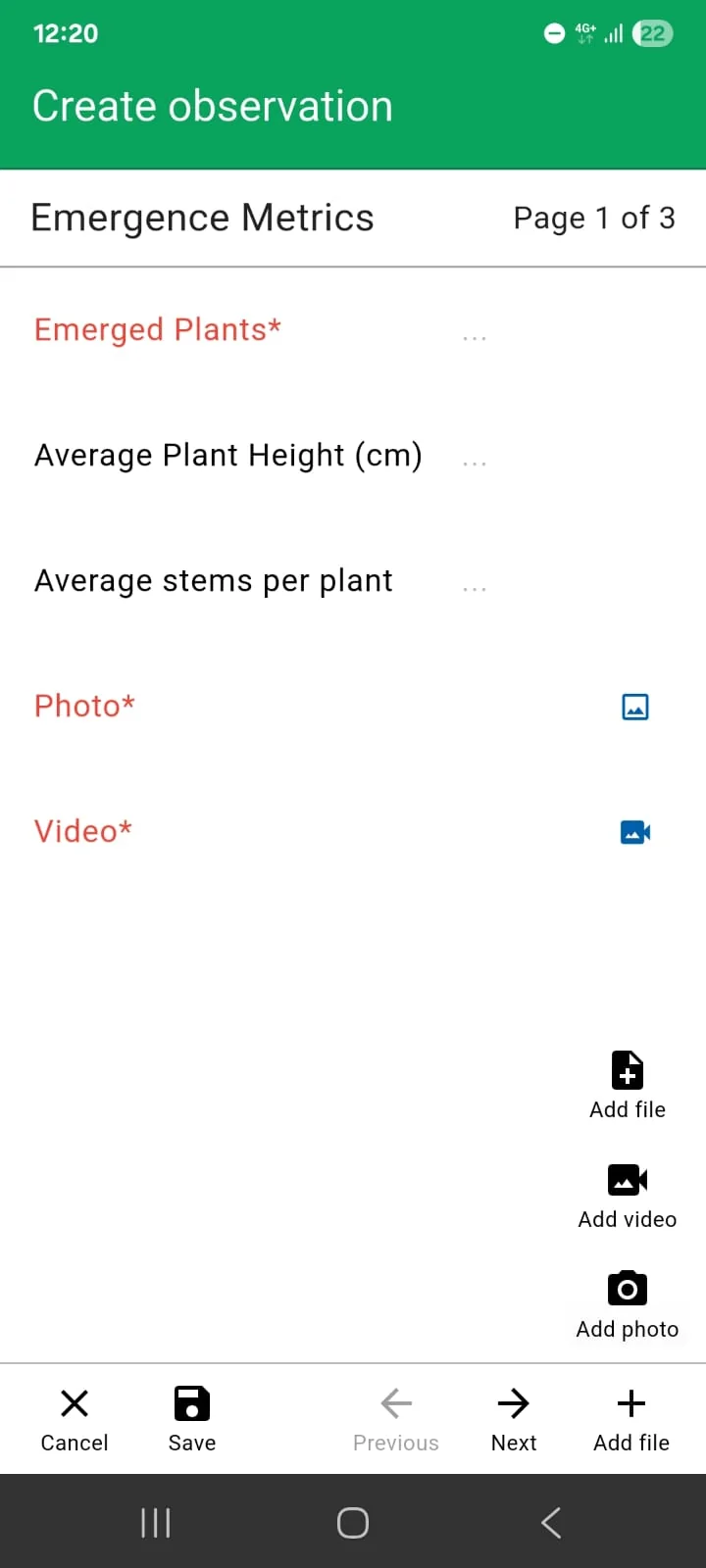
Selecting a plot opens exactly the right observation task — no scrolling through long task lists, no remembering plot numbers. That means fewer mistakes and more time spent collecting accurate field data. Capture structured notes, photos and GPS locations against the correct plot every time.
- Tap a plot to open its observation task
- Structured notes, photos and GPS per plot
- Fewer transcription and plot mix-up errors
Works completely offline
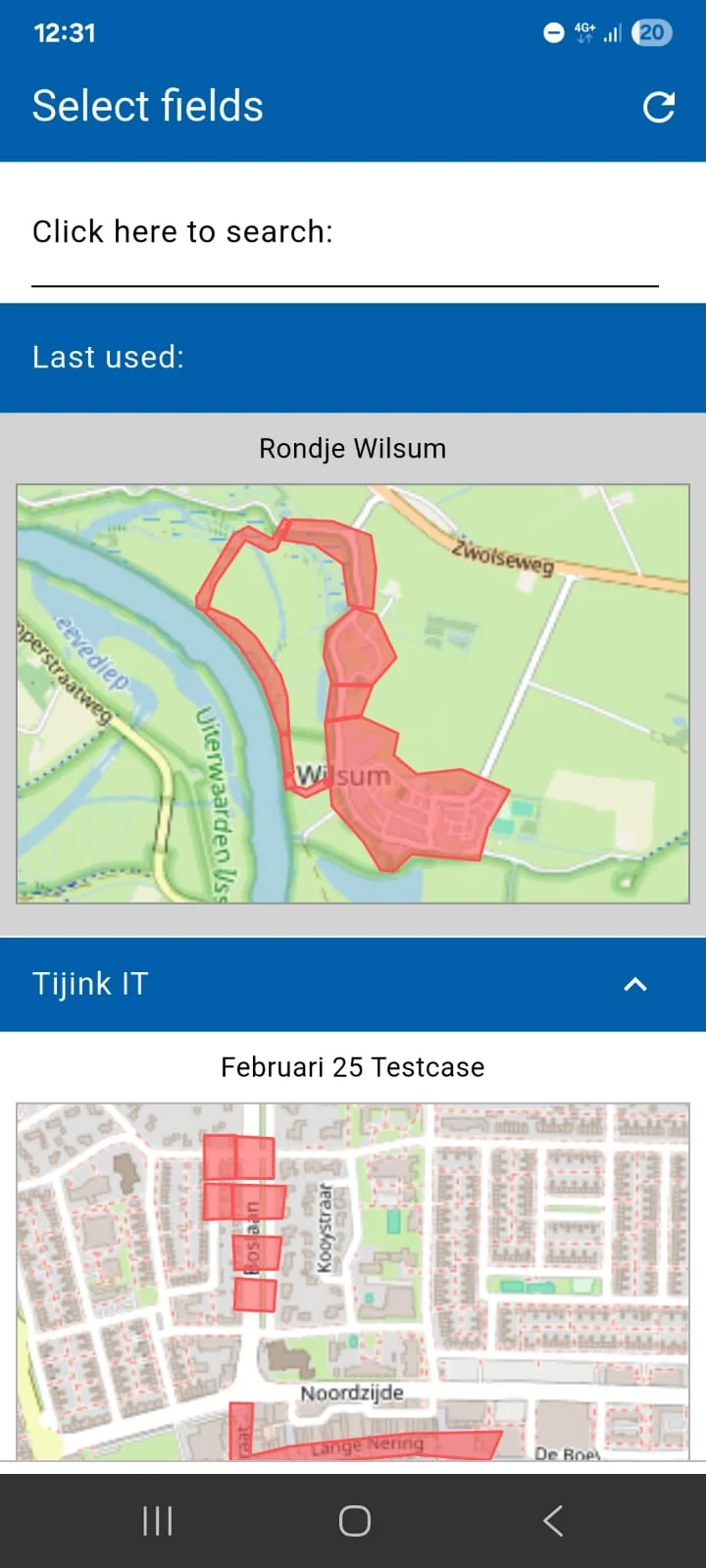
Many trial sites have limited or no mobile coverage. FarmDataViewer keeps working without a connection: navigate between plots, record observations, capture photos and log GPS locations, and complete an entire field visit offline. As soon as a connection returns, everything syncs automatically with the online platform, so the mobile app and web dashboard stay in step.
- Navigate and record fully offline
- Photos and GPS captured on the device
- Automatic sync when connectivity returns
Built for agricultural research
Variety & breeding trials
Guided, plot-by-plot scoring for variety trials, plant breeding and seed production, where every plot must be assessed in order.
Crop protection & fertiliser trials
Record treatment effects across replicated plots without losing track of which plots are already done.
Research institutes & CROs
A repeatable field workflow for universities, research stations and contract research organisations running many trials at once.
Agronomists & on-farm trials
Consultants and growers running on-farm experiments get the same structured navigation on their own fields.
Mobile plot navigation is part of the complete FarmDataViewer platform. Design your trial and lay out plots with field trial management, generate the observation tasks, collect the data in the field, and analyse the results — all in one place. It is part of the Field Trial package; contact us for availability.
Frequently asked questions
How does mobile plot navigation help on large field trials?
It shows every plot on an interactive map and guides you to the next plot that needs an observation, following an efficient route. On trials with hundreds or thousands of plots this reduces walking, keeps the observation order consistent, and makes it far less likely that a plot is missed.
What do the plot colours mean?
Green plots have a completed observation, orange plots still need one, and grey plots have no observation assigned. The colours update as you work, giving you and your team an instant view of trial progress.
Does the app work without an internet connection?
Yes. You can navigate between plots, record observations, and capture photos and GPS locations completely offline. Everything synchronises automatically with the web platform once a connection is available.
Can colleagues follow field progress in real time?
When the device has a connection, completed observations appear on the online platform immediately, so supervisors and colleagues can track progress without contacting the person in the field.
Is mobile plot navigation available on both Android and iOS?
Yes. The FarmDataViewer mobile app is available for both Android and iOS. Plot navigation is part of the Field Trial package — contact us for availability.